
WOS Guide
How to Redeem Whiteout Survival Gift Codes
Whiteout Survival gift codes can be redeemed in-game on Android or through the official web Gift Code Center using your Player ID. The steps below cover Android and iPhone/iPad separately.
Step 1
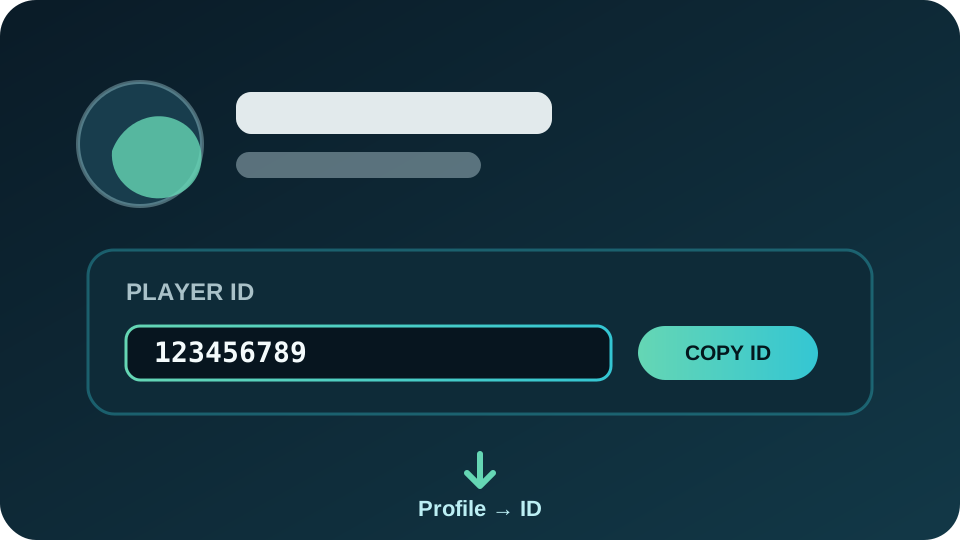
Where to find your Player ID
Open Whiteout Survival and tap your profile/avatar in the upper-left corner. Your numeric Player ID is displayed on your character profile. You will need this number when redeeming a code through the web.
Android
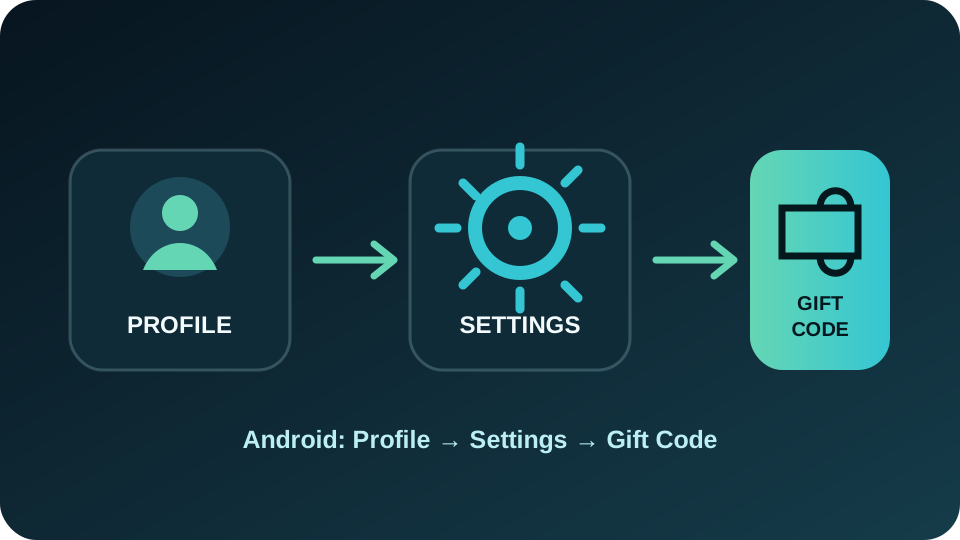
How to redeem a gift code on Android
- Open Whiteout Survival.
- Tap your profile/avatar in the upper-left corner.
- Open Settings.
- Tap Gift Code.
- Enter or paste the active code and redeem it.
- Check your in-game Mail for the reward.
iPhone / iPad / Web
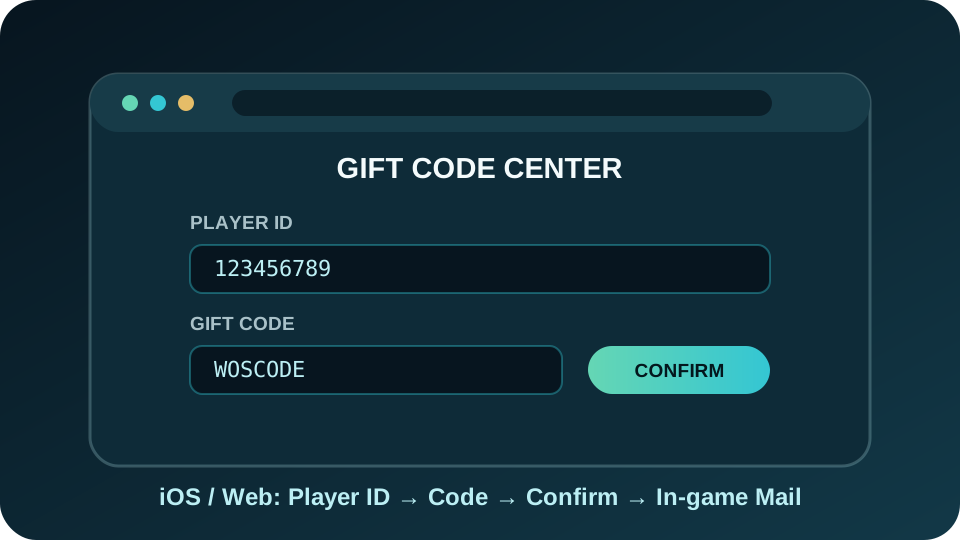
How to redeem a gift code on iOS or the web
- Copy your Player ID from your in-game profile.
- Open the official Whiteout Survival Gift Code Center.
- Enter your Player ID and verify your character.
- Enter or paste the active gift code.
- Complete the verification shown on the page and confirm the redemption.
- Return to the game and check your in-game Mail for the reward.
Troubleshooting
Why is my gift code not working?
Some WOS gift codes are only active for a limited time.
A code generally cannot reward the same character again once it has been claimed.
Copy the code exactly and check for missing characters or extra spaces.
Temporary server load can require waiting briefly and trying again.
Frequently Asked Questions
Whiteout Survival gift code FAQ
Where do I redeem Whiteout Survival gift codes?
On Android, use Profile → Settings → Gift Code. On iPhone/iPad, or when using the web method, use the official Gift Code Center with your Player ID.
Where can I find my Player ID?
Tap your profile/avatar in the upper-left corner of the game. Your Player ID is displayed on the character profile.
Can I use the same code more than once?
A gift code can generally be redeemed once per character. If it was already claimed, it may return an already-redeemed result.
Do gift codes expire?
Yes. Some codes are only available for an event or a short period, so it is useful to check an up-to-date active-code list.
Where do the rewards appear?
After a successful redemption, rewards are commonly delivered to your in-game Mail. Check your mailbox after redeeming a code.
WOS Forge
Check active codes or redeem them for your players
View the latest code list without signing in, or use the WOS Forge panel for gift-code processing with your saved players.